How the T9 Keyboard Works
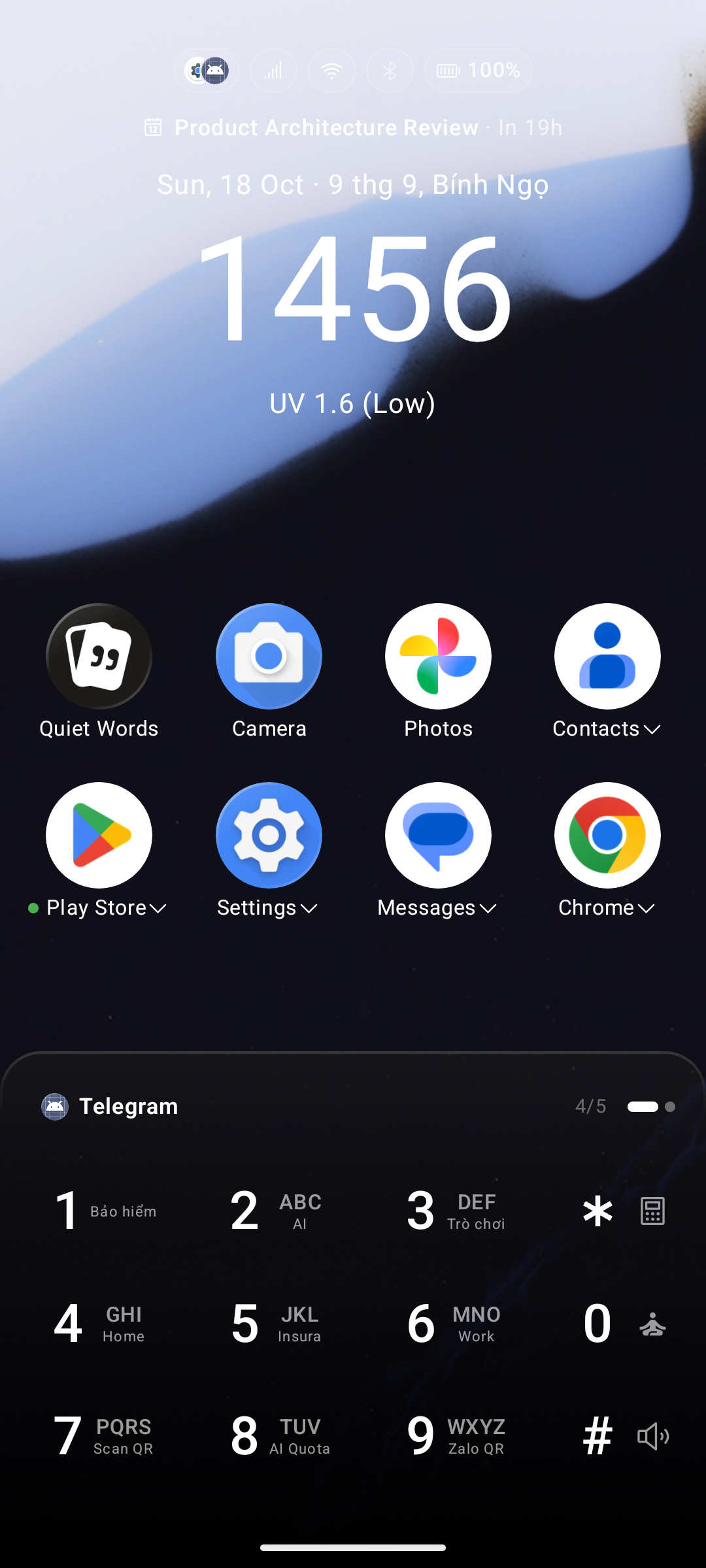
The T9 keyboard is Key Launcher's default interface: instead of a cramped full keyboard you get a large, comfortable 9-key grid where each key represents several letters. (Prefer real letter keys? The keypad can be switched to a full QWERTY keyboard — the search behaves the same either way.)
Prefer a shorter keypad? The 4-column layout folds
*,0, and#into a right-hand column, saving a whole row of screen height.
T9 Key Layout
| Key | Letters |
|---|---|
2 | A B C |
3 | D E F |
4 | G H I |
5 | J K L |
6 | M N O |
7 | P Q R S |
8 | T U V |
9 | W X Y Z |
Search Example
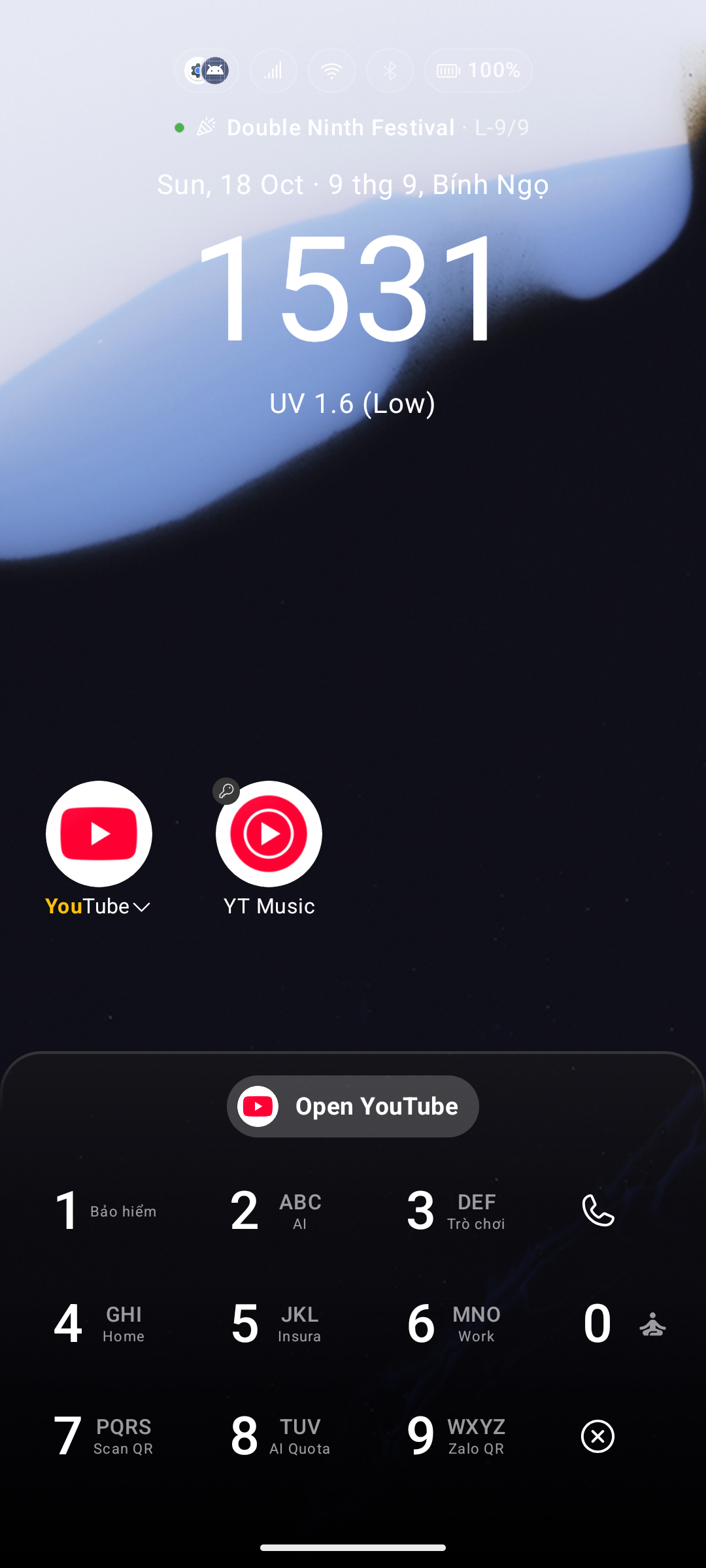
To search for "YouTube":
- Tap
9→ Y - Tap
6→ o - Tap
8→ u
Typing just 9-6-8 is usually enough — YouTube rises to the top instantly. Tap it or press Enter to launch.
How It Handles Different Languages
Key Launcher converts every app name into T9 digits before matching, so you can type without accents, tones, or special characters. Scripts fall into two families: those that get their own keypad, and those that are romanised first.
Latin scripts (English, Vietnamese, French, Turkish…)
Each letter maps directly to its key, and accents are stripped to the base letter — you never type diacritics.
| App name | Type this |
|---|---|
| Tin tức (News) | 8-4-6-8-8-2 (tintuc) |
| Đường (Street) | 3-9-6-6-4 (duong) |
Scripts with their own keypad
These scripts are mapped straight to the number keys — no transliteration — and the letters can be printed on the keys themselves with Show Alternative Characters. What is drawn on a key is exactly what that key matches.
| Script | Notes |
|---|---|
| Cyrillic | Russian (33 letters), plus Ukrainian ґ є і ї and Belarusian ў, each with their own key legend. Serbian, Macedonian, Kazakh and Bulgarian use the Russian table as an approximation |
| Greek | 24 letters, 3 per key |
| Hebrew | 27 letters including the five final forms |
| Arabic | 30 letters, 4 per key |
| Persian | 32 letters — the extra Persian letters share a key with the Arabic letter they are shaped from |
| Urdu | 38 letters, same principle — پ sits with ب, ٹ with ت, and so on |
| Thai | The 44 consonants. Vowel and tone marks are not typed |
| Devanagari (Hindi) | Independent vowels on 2, then the five varga groups across 3–7. Matras and other marks are not typed |
Keys are numbered left to right, 2 → 9, including for right-to-left scripts, so the number grid keeps its familiar order.
Native digits (٠-٩, ۰-۹, ๐-๙, ०-९) are matched as their ordinary numbers, so an app whose name contains them is still reachable.
Chinese
Han characters are converted to Pinyin, then to digits. Key Launcher also generates the joined form of each word — so weixin finds 微信, not just wei or xin — and knows 107 polyphonic characters, so 地图 is ditu (not detu), 音乐 is yinyue, and 银行 is yinhang.
Pinyin conversion needs Android 10 (API 29) or later.
Japanese
Kana and kanji are romanised as Japanese, not as Chinese pinyin — 電話 is reachable by typing denwa, 設定 by settei, 連絡先 by renrakusaki. Both spelling styles are generated, so とうきょう matches toukyou and tokyo, メール matches meeru and meru, and each kanji's other readings are searchable too.
Kana works on every supported Android version. Kanji uses a built-in table, so an app written entirely in kanji that contains a character outside that table falls back to pinyin.
A name written purely in kanji is only treated as Japanese when Japanese is your launcher language, your system language, or your secondary search language. Names containing kana are always Japanese.
Korean
Hangul is romanised with Revised Romanization, the way Korean is actually typed: 카메라 → kamera, 카카오톡 → kakaotok, 연락처 → yeollakcheo, 배달의민족 → baedaruiminjok. The literal and older l-style spellings are matched as well, so no habit is left out. This runs on every supported Android version.
Anything else
Remaining scripts are transliterated to Latin with Android's ICU transliterator and then mapped to digits.
Typing on a QWERTY keyboard
If you switch the home keypad to QWERTY, the same names are matched as text instead of digits, and the same romanisations apply — typing kamera, denwa, weixin, yandeks or nastroyki finds the app whose label is in another script.
Cyrillic romanisation in this mode uses a popular-spelling table rather than a scientific one, so Яндекс is yandeks and Сообщения is soobshcheniya.
Match Modes
For every query, Key Launcher tries these strategies in order and stops at the first hit:
- Word-start match — your input matches the beginning of a word or syllable. Fastest, highest priority.
- Name-start match — it matches from the very beginning of the full name.
- Contains match — it appears anywhere inside the name.
- Initials match — each character matches the first letter of successive words.
gmfinds Google Maps,2-6finds Angry Orange. (Requires at least 2 characters.) - Words in any order — every word you typed is the start of a different word in the name, whatever the order. Typing
Tien Bofinds the contact Bo Tien; typingxin weifinds 微信.
Because in-order matches always outrank reordered ones, typing play store still puts Google Play Store above an app called Store Play.
Words-in-any-order needs a space, so it belongs to text typing — the QWERTY keyboard and the drawer's search field. The T9 keypad has no space key.
Matches through a second name
With a secondary search language set, an app can also match the name it carries in that language. Those results are ranked below any match on the visible name and carry a small badge in the corner of the icon, so it is clear why an app you did not type the name of turned up.
Ranking & Auto Launch Settings
Go to Settings > Search Settings (see Search Settings for the full breakdown):
- Auto Launch: When only a few results remain (or after a set number of keys are pressed), Key Launcher opens the first match immediately — no need to lift your finger.
- Quick Open chip: When auto-launch is off, an "Open [App]" chip appears on the keyboard once the result count is small enough, giving you a one-tap launch.