Filters, Lunar Dates & Birthdays
Directly below the month header, the Agenda Sheet displays a horizontal scroll row of filter chips. These chips let you toggle specialized timeline content instantly.
1. Lunar Calendar Chip (Purple)
- Usage: Displays Asian Lunar dates and lunar zodiac years under corresponding dates on the timeline.
- Settings: Ensure Lunar Calendar is toggled on in Settings > Weather & Calendar first. You can choose your preferred lunar calculation type (e.g., Vietnam, China, etc.).
- Toggle: Tap the purple Lunar chip to show or hide all lunar date references on the timeline.
2. Birthdays Chip (Pink)
- Usage: Displays contact birthdays on their corresponding dates, highlighted with a pink icon and a gift symbol.
- Source: Reads birth dates stored inside your device's local Contacts app.
- Toggle: Tap the pink Birthday chip to show or hide contact birthdays.
- Note: Requires Read Contacts (
READ_CONTACTS) permission.
3. Account-Specific Calendar Chips
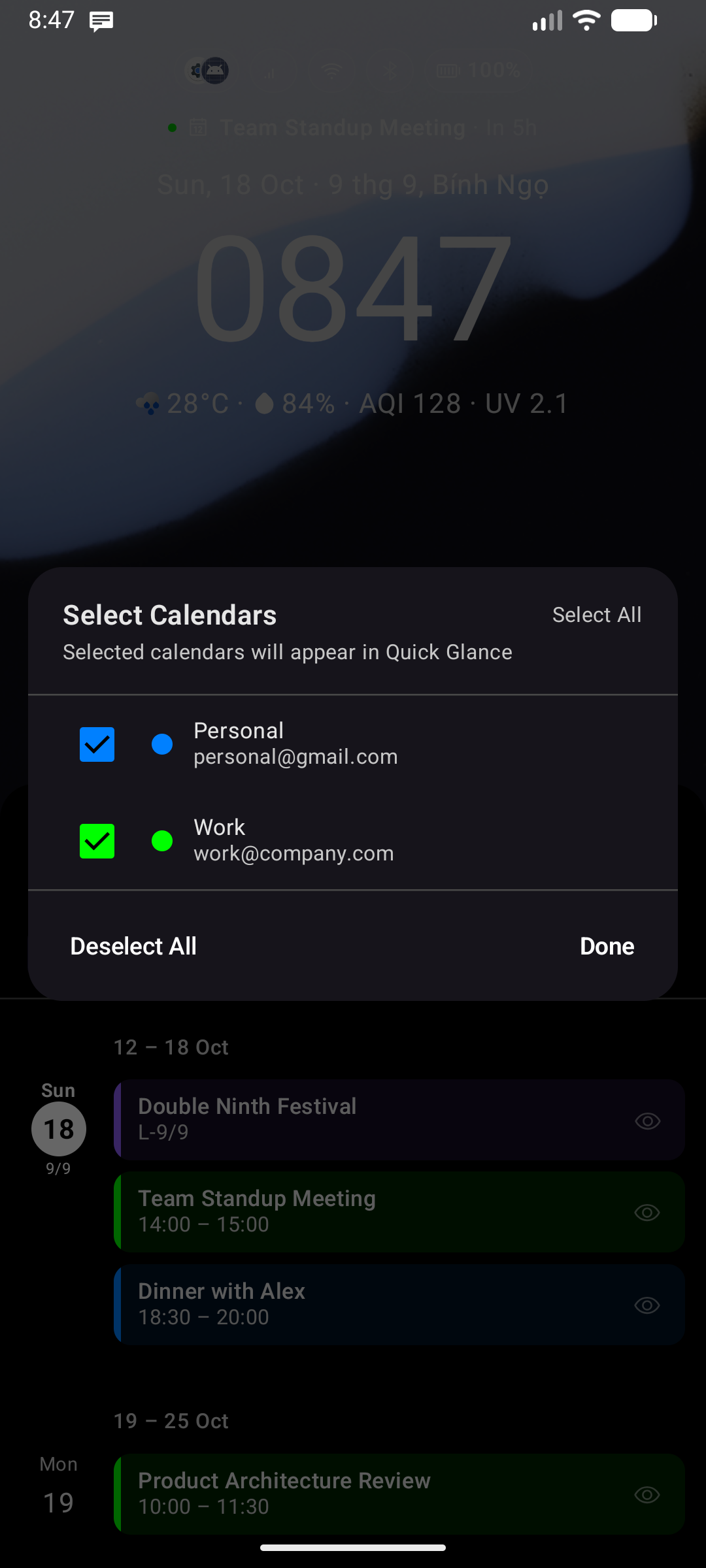
- Every active calendar account containing events in the loaded window will display as a custom chip.
- The chip displays a small circle filled with the calendar's designated account color.
- Tap any chip to instantly hide or show events belonging to that specific calendar account.