Modules & Layout
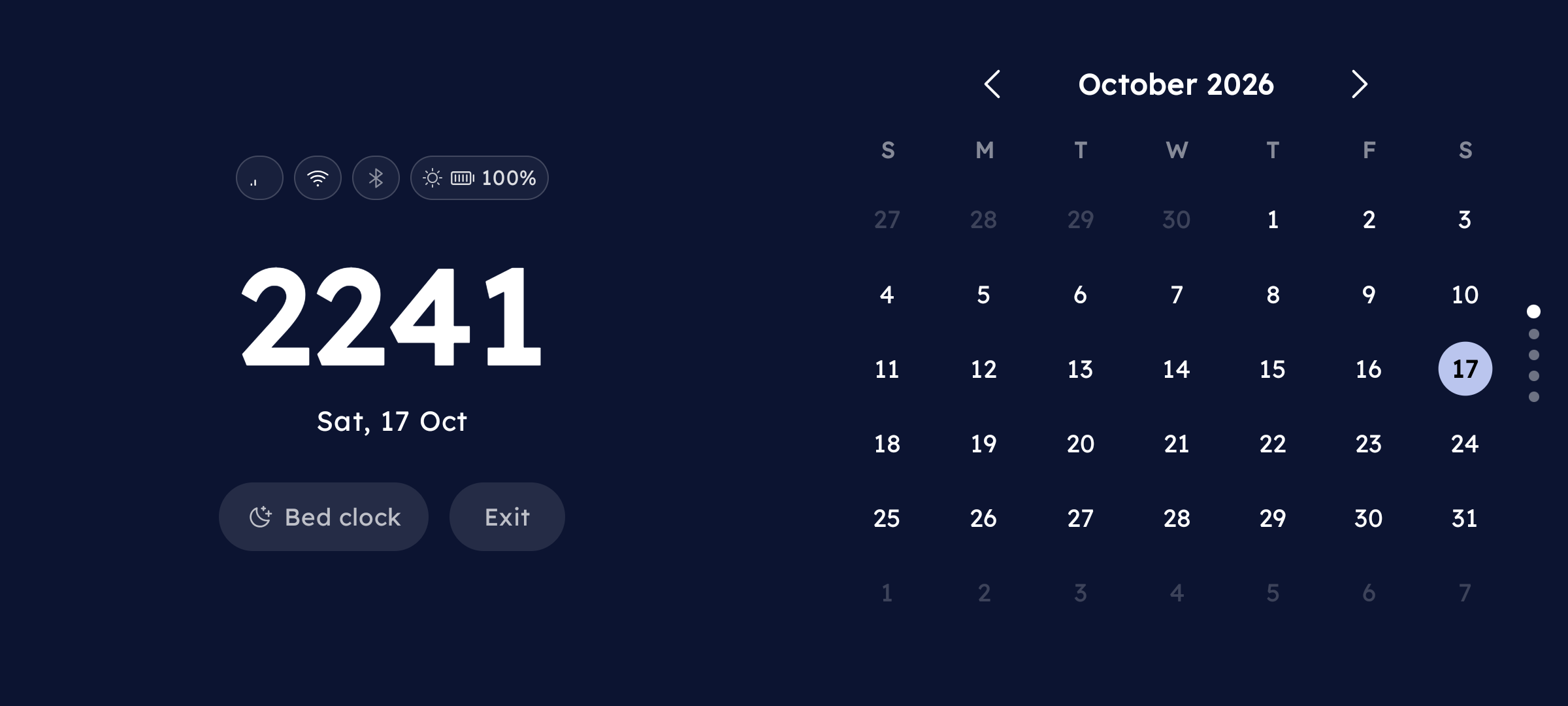
The right column of Super Focus is a vertical pager. Swipe up/down to move between modules. A column of dots on the right edge shows your current position.
Available Modules
Calendar
A full month calendar. Tap ‹ / › to navigate months. When you are on a past or future month, a today icon appears — tap it to jump back. The first day of week follows the setting in Focus Mode config (see Settings).
Music Player
Full playback controls with a progress bar. Synced Lyrics 💎 scroll in time with the track if enabled — see the Synced Lyrics page for setup.
Focus Timer
A Pomodoro timer with three phases — Work, Short Break, and Long Break. Tap Play to start, Pause to pause, and Reset to restart the current phase. The timer advances automatically through phases.
Configurable durations: Settings → Keyboard → Long-press actions → Super Focus → › → scroll to the Timer section.
If the timer is running when you tap Exit, a confirmation dialog appears before leaving.
T-Rex Game
The offline dino game, playable without leaving Super Focus. Tap or press the screen to jump.
Photo Slideshow
Your photos drift slowly across the screen in a Polaroid-style marquee. Long-press to open config and add photos or adjust the scroll speed.
Bed Clock
A dedicated ultra-dim bedside night clock designed for pitch-black bedrooms. Tap the bed icon in the top corner to enter Bed Clock immediately, preventing harsh screen glare while resting.
Configuring the Layout
Long-press anywhere on the Super Focus screen → config screen opens.
In the Layout section at the top:
| Action | How |
|---|---|
| Reorder modules | Drag the handle () up or down |
| Show / hide a module | Tap the Visibility () icon on the right |
Tap Apply in the top-right corner to save.