Backup & Restore Settings
💎 Pro feature — Backup & Restore requires Key Launcher Pro. It is also unlocked throughout your in-app free trial and the grace period afterward, so you can always export your setup before any features revert.
Save your launcher layouts, folder structures, and settings to avoid reconfiguring Key Launcher on new devices.
Exporting Backups
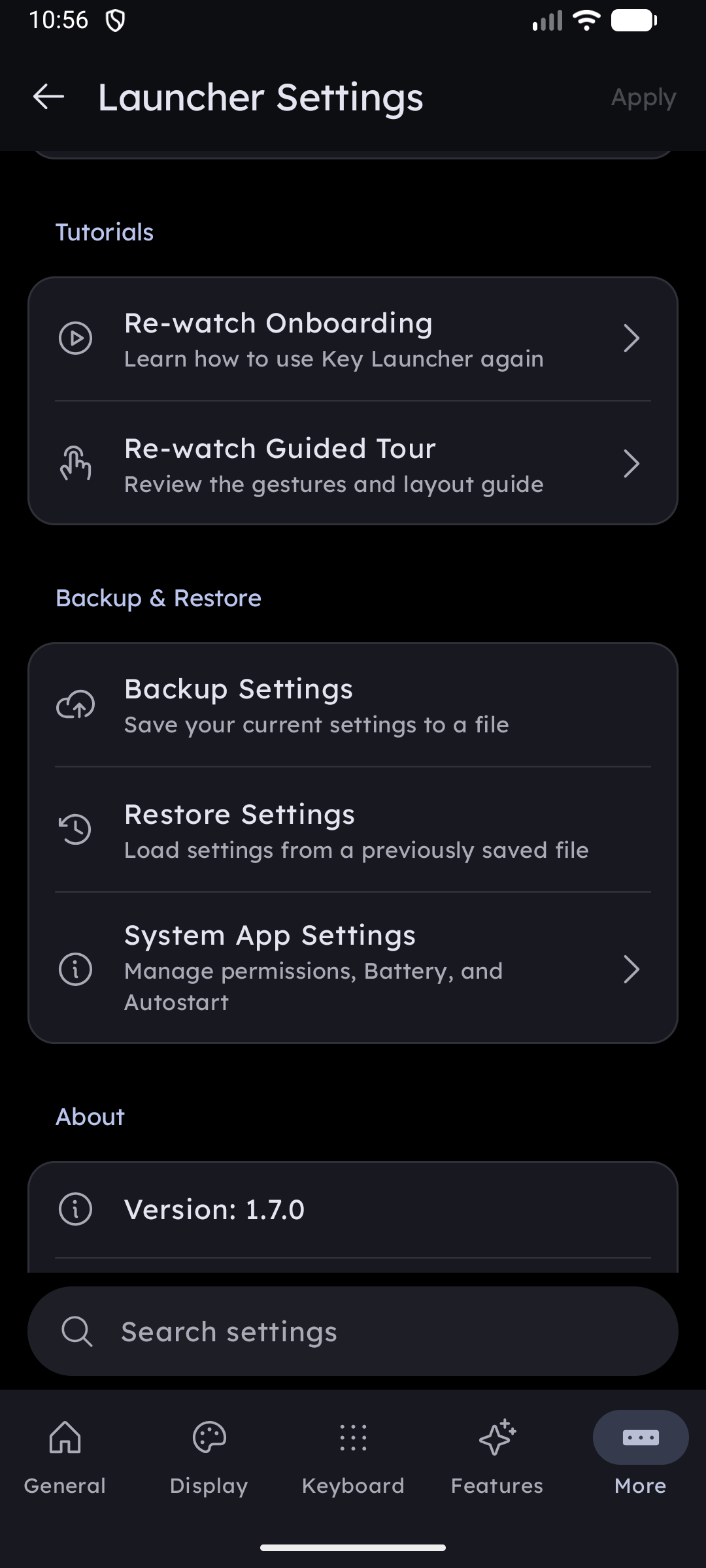
- Go to Settings > Backup & Restore.
- Tap Backup Settings.
- Select a destination directory on your device or Google Drive.
- Key Launcher creates a
.jsonbackup file (e.g.,key_launcher_backup.json) containing your preferences, pinned grid order, widget stack selections, and custom folder layouts.
Importing Restores
- Go to Settings > Backup & Restore.
- Tap Restore Settings.
- Select your backup
.jsonfile. - Confirm the prompt to overwrite settings. The launcher will reload and apply your configuration.