Synced Lyrics
💎 Pro feature — Synced Lyrics requires Key Launcher Pro. It is fully available during your in-app free trial.
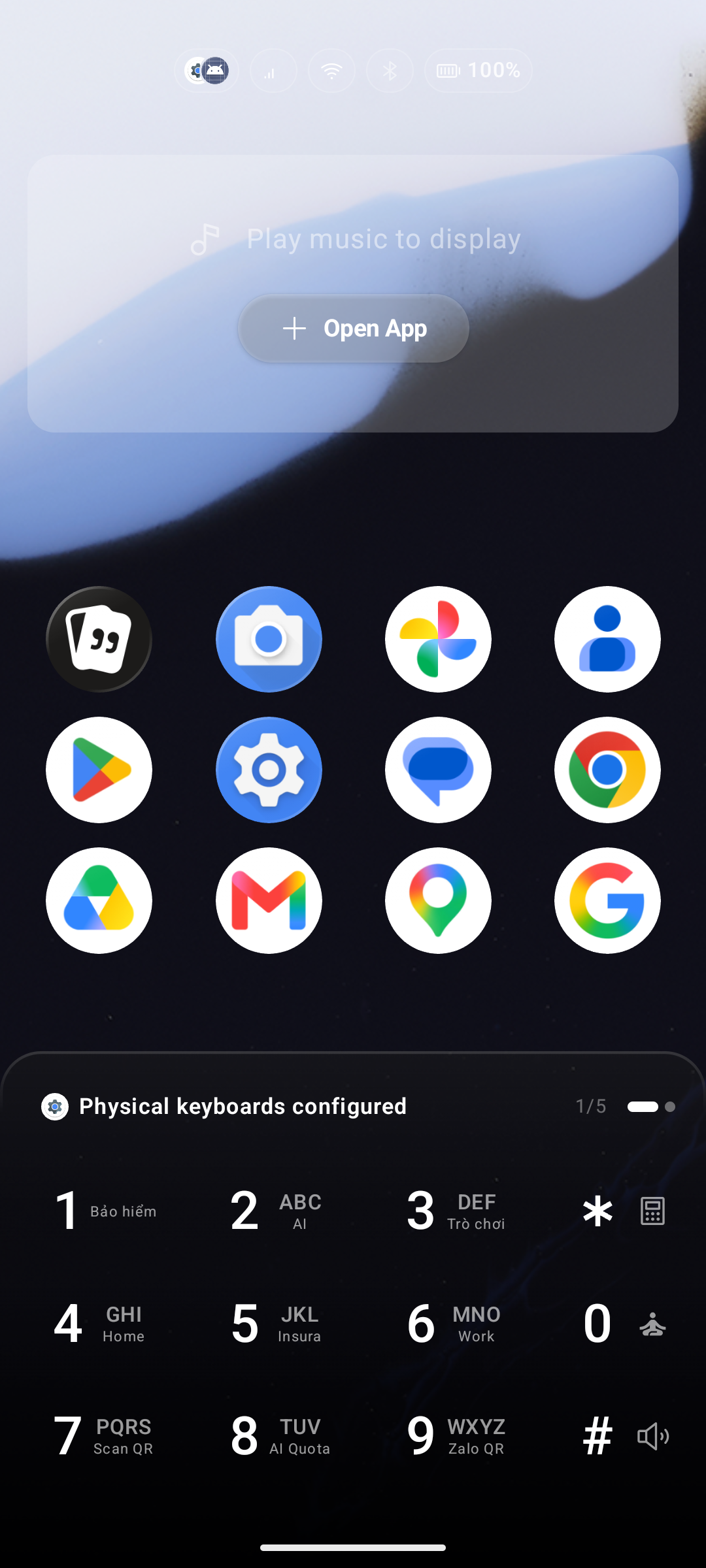
Key Launcher can display real-time synchronized lyrics directly on your home screen while music is playing — no need to open a separate app.
How It Works
When you start playing a track in any music app (Spotify, YouTube Music, Apple Music, etc.), Key Launcher:
- Detects the song title and artist via the Android notification listener service.
- Fetches the matching lyrics from its database.
- Displays and auto-scrolls the lyrics in sync with the song in the Quick Glance area of the home screen.
Enabling Synced Lyrics
- Go to Settings > Features tab.
- Toggle on Lyrics (Auto-fetch and display music lyrics).
- Make sure Notification Access is granted to Key Launcher — Android requires this to read active media playback state. See Essential System Permissions.
Troubleshooting on Strict-Battery Devices
Manufacturers like Xiaomi (MIUI), Oppo, Vivo, and Huawei aggressively kill background services, which can interrupt lyrics sync. If lyrics stop updating or fail to load:
- Long-press the Key Launcher icon > tap App Info.
- Set Battery Saver (or Battery optimization) to No Restrictions.
- Enable Autostart if the option is available.
- Grant Display pop-up windows while running in the background permission if prompted.
- As a last resort, toggle Notification Access off and back on in Settings > Permissions.