Settings
Open the config screen by long-pressing anywhere on the Super Focus screen, or via Settings → Keyboard → Long-press actions → Super Focus → ›.
Layout
| Setting | Description |
|---|---|
| Vertical layout | Stacks the two Super Focus panels top and bottom instead of left and right — useful for one-handed use or narrow screens |
Automated Scheduling
- Auto Schedules: Program Super Focus to turn on automatically during your peak productivity hours or study blocks on specific days.
- Hide Exit Button: Option to hide the exit button while a scheduled focus session is running to enforce discipline and eliminate distractions.
Bed Clock Mode
- Dim Bedside Clock: A ultra-low brightness, warm-toned clock display optimized for nightstands and sleep environments.
- Bed Mode Toggle in Super Focus: Choose whether the Bed Clock shortcut button appears on the Super Focus screen.
App Pause & Blocking (Pro)
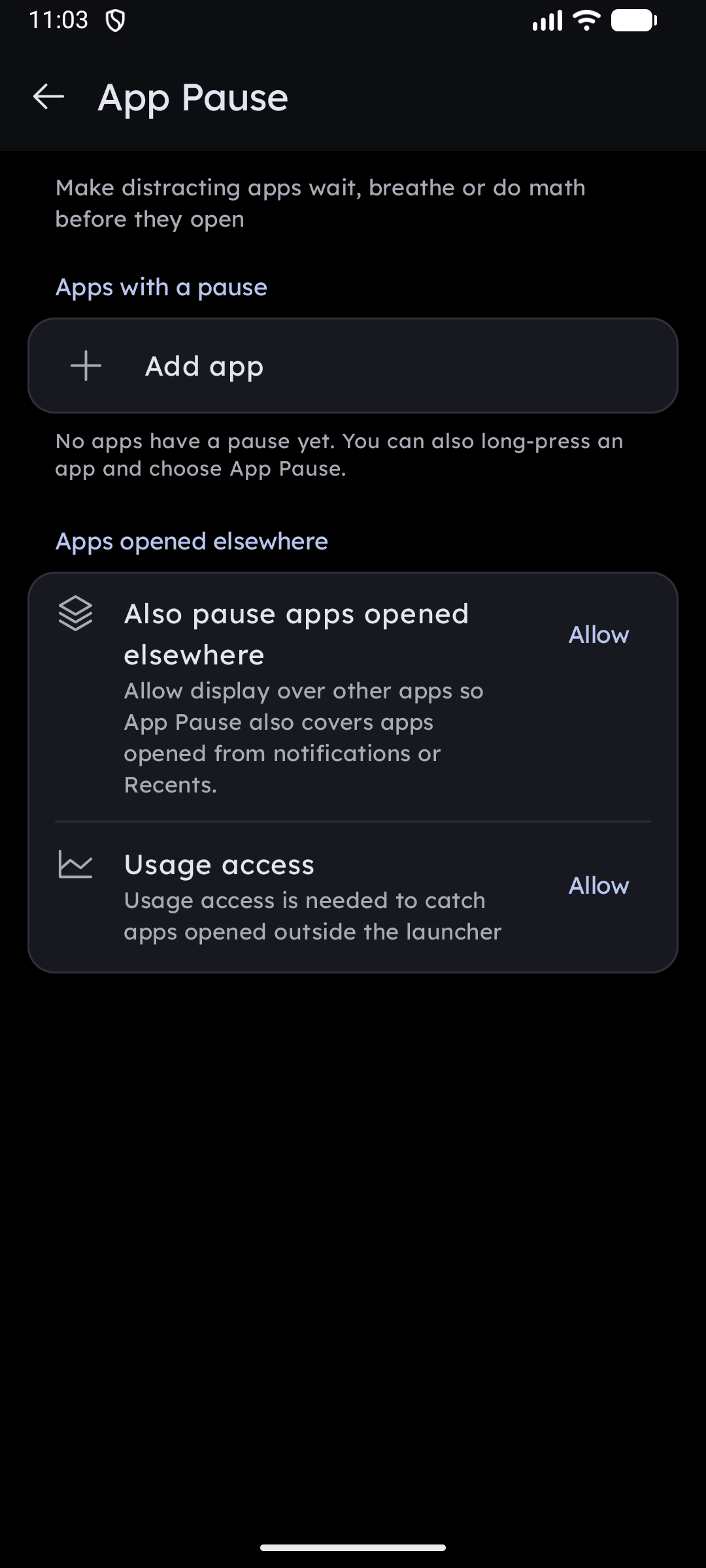
- Block Distracting Apps: Select specific entertainment or social media apps to lock out while Super Focus is running.
- Instant Pause: Attempting to launch a blocked app surfaces an intentional reflection prompt, preventing subconscious mindless scrolling.
Display & Power
| Setting | Description |
|---|---|
| Keep Screen On | Off / Charging Only / Always — keeps the display awake |
| Battery Limit | Automatically stops keeping the screen on when battery drops below a threshold (15–60%) |
| Brightness Control | Swipe up/down on the left column to adjust brightness. Requires the Modify system settings permission |
| Album Art Background | Shows a blurred, dimmed version of the current track's album art as the background while music is playing |
| Deep Night Background | Forces a pure black background and white text, regardless of your theme — saves battery on OLED screens |
| Battery Optimization | Reduces background activity to extend battery life during long sessions |
Auto DND
When Auto DND is on, entering Super Focus automatically switches your phone to Priority-only interruptions. Your original DND setting is restored when you exit. Requires Do Not Disturb Access permission.
Ghosting Prevention
For OLED screens left on for long periods. After an idle period (30 s – 3 min), the screen switches to a moving overlay to prevent burn-in. Any touch resets the timer and restores the normal layout.
- Duration — slider from 30 seconds to 3 minutes.
- Style:
- Style 1 — a bouncing clock with synced lyrics or date/weather.
- Style 2 — the Photo Slideshow marquee.
- Auto — switches by context: clock during music playback, photos otherwise.