

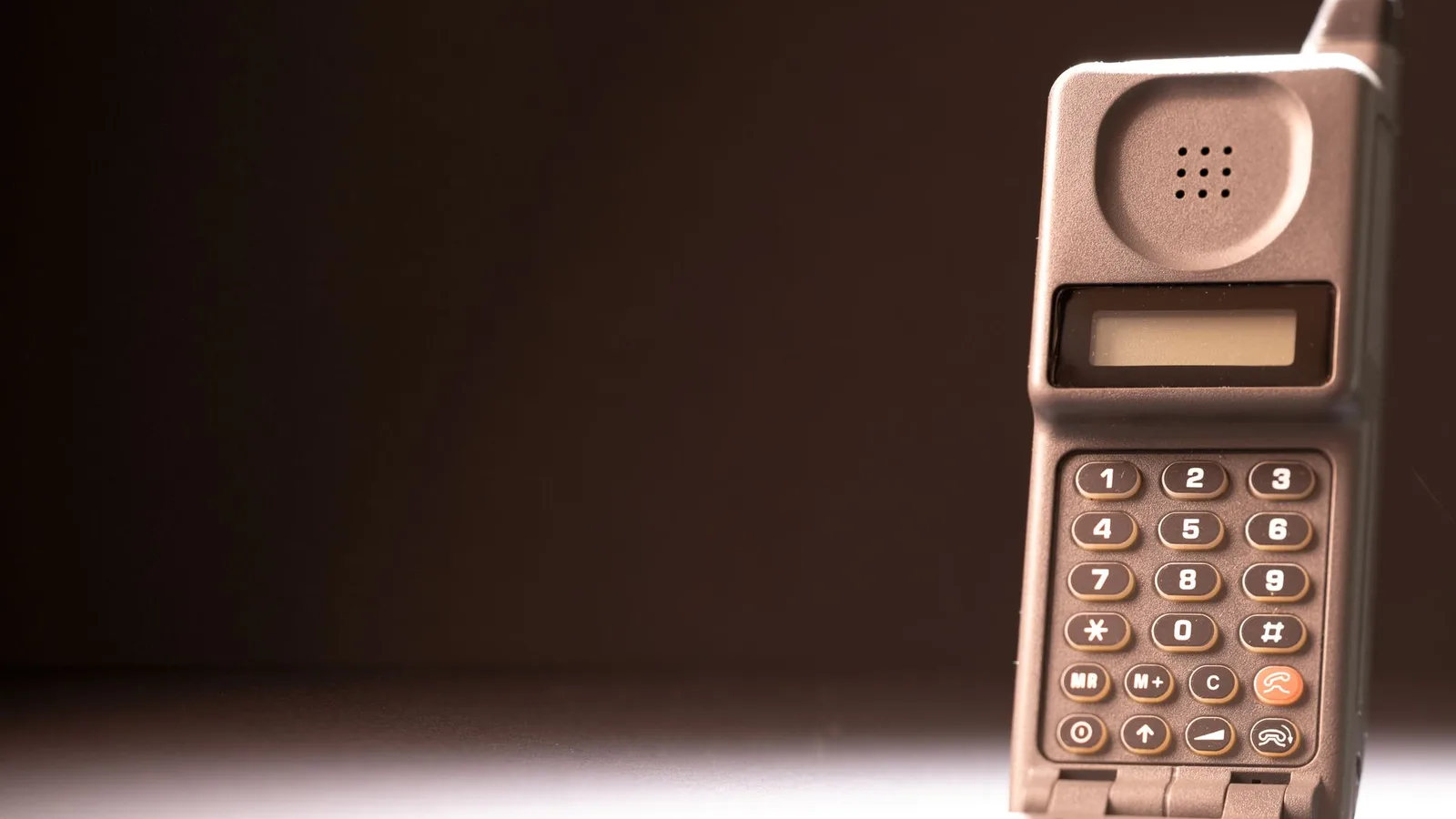
Before touchscreens, everyone opened things by feel. The T9 keypad put letters on the number keys of every Nokia, and a whole generation learned to type without looking. A T9 launcher brings that same trick to the Android home screen: instead of scrolling a drawer of a hundred icons, you tap the digits that spell the app.
1. What Is a T9 Launcher?
A T9 launcher replaces the icon grid with a phone keypad. The letters are grouped the way they have been since the first mobile phones: 2 is ABC, 3 is DEF, up to 9 for WXYZ. Tap the digits matching the first letters of an app's name and matching apps appear instantly. One more tap on the result, and it opens.
Key Launcher is built entirely around this idea: a keypad-first home screen, results ranked by your own usage, and gestures and shortcuts wrapped around the pad for everything else.
2. How T9 App Search Works
Each digit rules out roughly two thirds of your remaining apps, so the list collapses fast:
- Maps: 6 (M) · 2 (A) · 7 (P). After two or three taps, Maps is usually the only match left.
- YouTube: 9 (Y) · 6 (O) · 8 (U). Three taps, no scrolling.
- Your bank: 2 (B) · 2 (A) · 6 (N) · 5 (K) narrows it down before you finish.
- Camera: 2 (C) · 2 (A) · 6 (M).
In practice, most apps open in 2–3 taps, which is where Key Launcher's tagline comes from: "Two Taps. Launch Apps." Because your most-used matches float to the top, the first result is usually the right one. After about a week, your thumb knows the patterns the same way it once knew texting under the school desk.
3. T9 vs App Drawer vs Keyboard Search
| Method | How it works | Eyes on screen | One-handed on a 6.7" phone |
|---|---|---|---|
| Icon app drawer | Scroll pages of icons and scan visually | Constant | Poor, icons live everywhere |
| Full keyboard search | Type exact letters on a QWERTY keyboard | Most of the time | Okay, but 26 small keys |
| Alphabet wave (Niagara) | Slide a thumb along an A–Z edge strip | While sliding | Long thumb travel |
| T9 keypad (Key Launcher) | Tap 2–3 big digit keys | Almost none with practice | Built for the thumb zone |
The pattern is simple: the fewer, bigger targets your thumb has to hit, the less you need to look, and the faster every single app launch becomes, dozens of times a day.
4. Who Is a T9 Launcher For?
- Big-phone owners tired of thumb gymnastics and grip-shifting to reach top-row icons.
- Minimalists who want a calm home screen with no icon candy inviting impulsive taps.
- Anyone who opens the same ten apps 95% of the time, which is most of us.
- E-ink phone and tablet users, where a big simple keypad suits the display perfectly.
- Former feature-phone users who never stopped missing physical-key muscle memory.
5. Set Up Key Launcher in Two Minutes
- Install Key Launcher from Google Play. It is free, with no ads.
- Set it as your default launcher when Android asks.
- Type your first app: tap the digits for its name and watch it surface.
- Pin your favorites and try a Super Shortcut for the things you open all day.
- Optional: switch on Super Focus when you want the phone to go quiet for a while.
Give it three honest days. Day one feels like a novelty; by day three your thumb starts moving before your eyes do. For the full minimal setup, pair it with our dumb phone guide, or see how the keypad compares with the alphabet wave in our Niagara comparison.