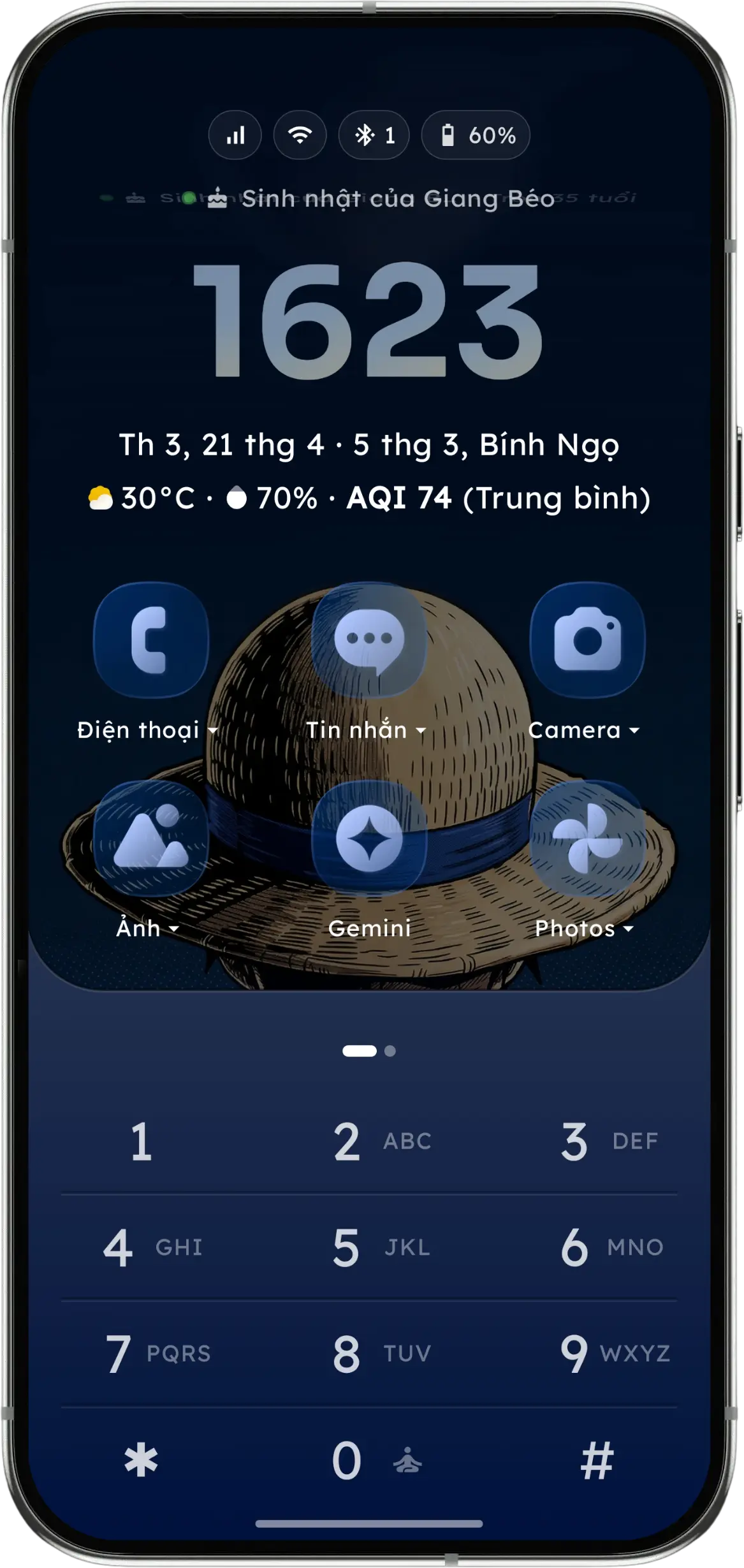
Launch apps with T9 or QWERTY, try Swipe Typing (Beta), and make room for focus. Customize your home screen, organize private spaces, and turn your phone into a Pomodoro desk clock.
Break your smartphone addiction. Simplify your daily workflow.
Settle into a Pomodoro session with a desk clock, music controls and your agenda. Optional automatic Do Not Disturb uses Android’s priority rules when permission is granted; allowed calls and alerts follow your system settings.
Compare navigation, focus tools and purchase options using each launcher’s official information.
| Feature |
 Key Launcher |
 Niagara |
|---|---|---|
App access How you reach your apps | T9 & QWERTY keypad | Wave alphabet |
Focus tools Different ways to reduce distractions | Pomodoro desk clock | Usage Breaker (Pro) |
Customization Ways to shape the home screen | Glass, fonts & touch effects | Themes, icons & fonts (Pro) |
Organization Keep useful things within reach | Vaults, Widget Center & Stack | Pop-up folders & widget stacks (Pro) |
Privacy details Read how each app handles data | Local search; see policy | See privacy policy |
Pricing model Plans and regional prices are shown by each provider | Free core Yearly or lifetime Pro | Free + yearly / lifetime Pro |
Checked 25 Oct 2026. Features and prices can change; check the provider for your region.
Core features are entirely free and ad-free forever. Upgrade to PRO with a yearly subscription or a one-time lifetime purchase.
See your local PRO prices in the app.
Compare all features side-by-side
| Feature | Free | Pro |
|---|
Have questions about Key Launcher? Find answers to the most common queries below.
Download Key Launcher today on your Android device to simplify operations, skyrocket productivity, and reclaim screen time.